
Key takeaways
- Så fungerar det: Ett tydligare flöde från första steg till nästa åtgärd.
- Produktmoment: Vad du kan göra i Pageward.
- Svar: Frågor före nedladdning.
- Integritet: Integritetsöversikt för Pageward.
Start with status
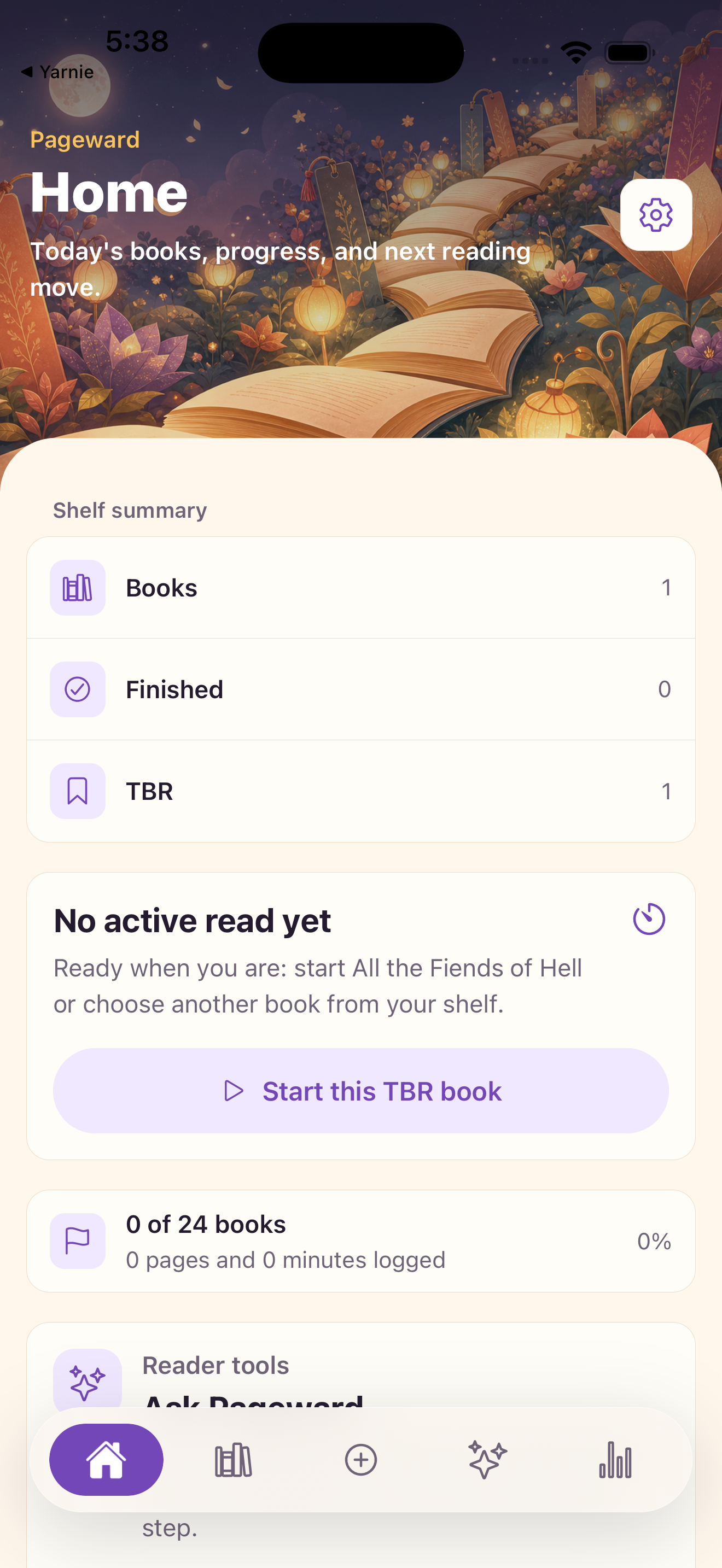
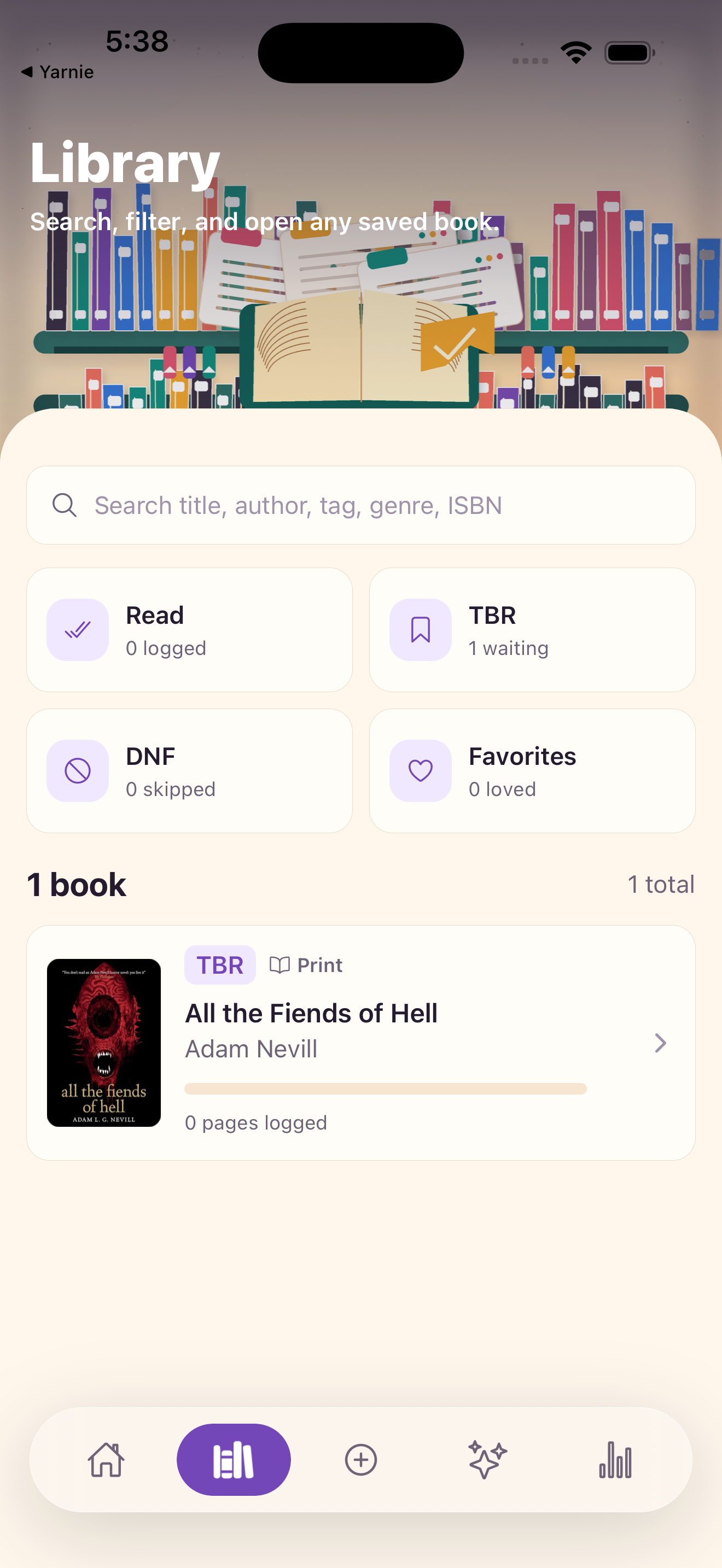
Separate books into current, TBR, finished, and DNF before worrying about tags. Status gives every book a clear job.
Så fungerar det Ett tydligare flöde från första steg till nästa åtgärd.
Add mood signals
A TBR becomes easier to use when you know why a book belongs there. Save moods, genres, formats, and notes that explain the future choice.
Produktmoment Vad du kan göra i Pageward.
How Pageward fits the workflow
Pageward is most useful when it sits between the messy first moment and the decision that comes next. The app should help the user gather context, run the focused workflow, and keep a record that can be reviewed later instead of forcing them to remember every detail.
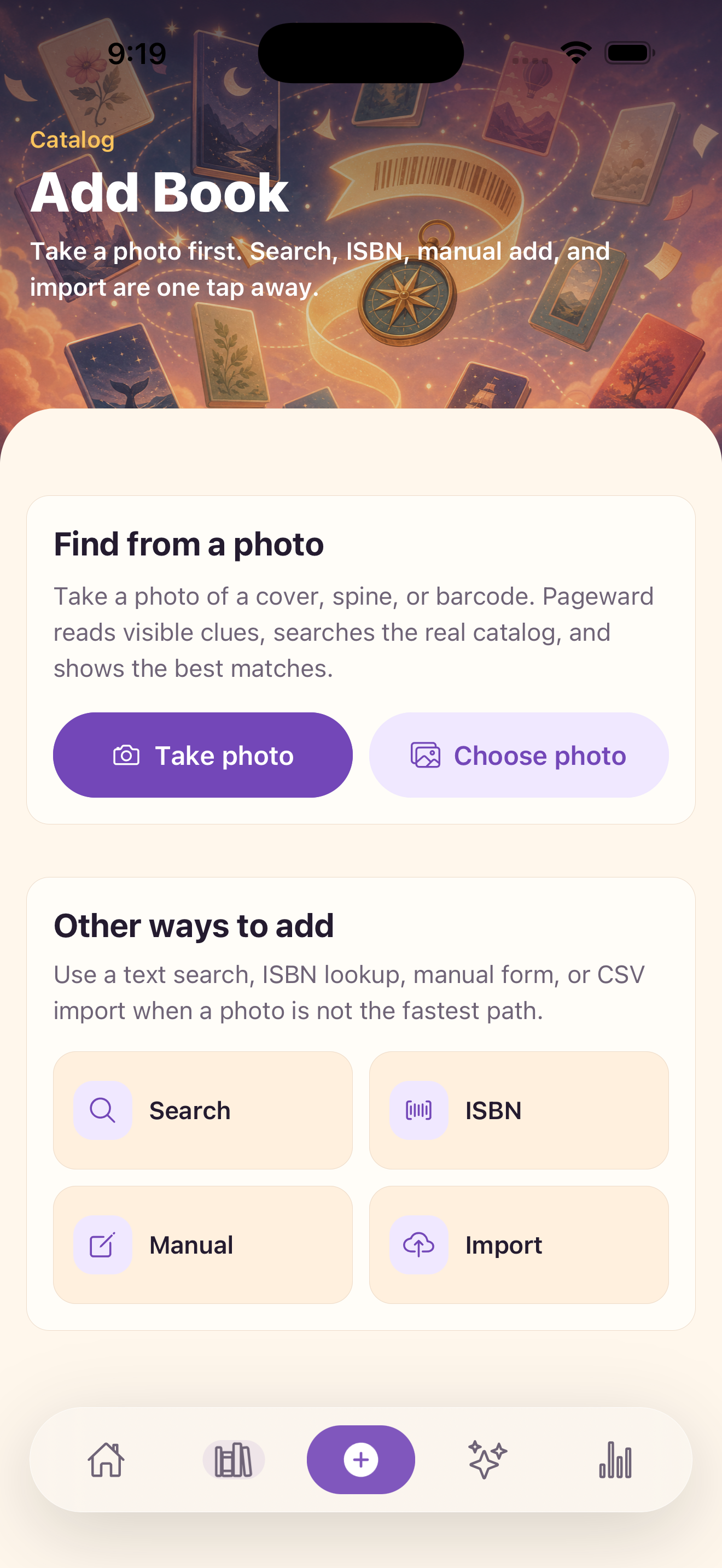
Svar Frågor före nedladdning.
What to prepare before opening the app
Prepare books, statuses, pages, minutes, ratings, moods, tags, quotes, and notes. This makes the output easier to judge and gives the app enough signal to avoid a vague, one-size-fits-all result.
Ladda ner Använd de officiella butikslänkarna här när de är live. Tills dess finns produktdetaljer, skärmbilder, support och integritet samlat här.
How to judge the result
A useful result should line up with TBR status, reading pace, DNFs, genres, moods, quotes, and ratings. If the answer does not explain itself, the next best step is to improve the input, compare with saved history, or seek expert confirmation when the decision is high-stakes.
Så fungerar det Ett tydligare flöde från första steg till nästa åtgärd.
The decision boundary
recommendations work best after real shelf history has been saved. Strong app content should say this clearly because trust comes from useful limits, not inflated promises.
Produktmoment Vad du kan göra i Pageward.
Practical checklist
Trust note
Integritetsöversikt för Pageward. Hjälp med Pageward, prenumerationer, betalning och inställningar.